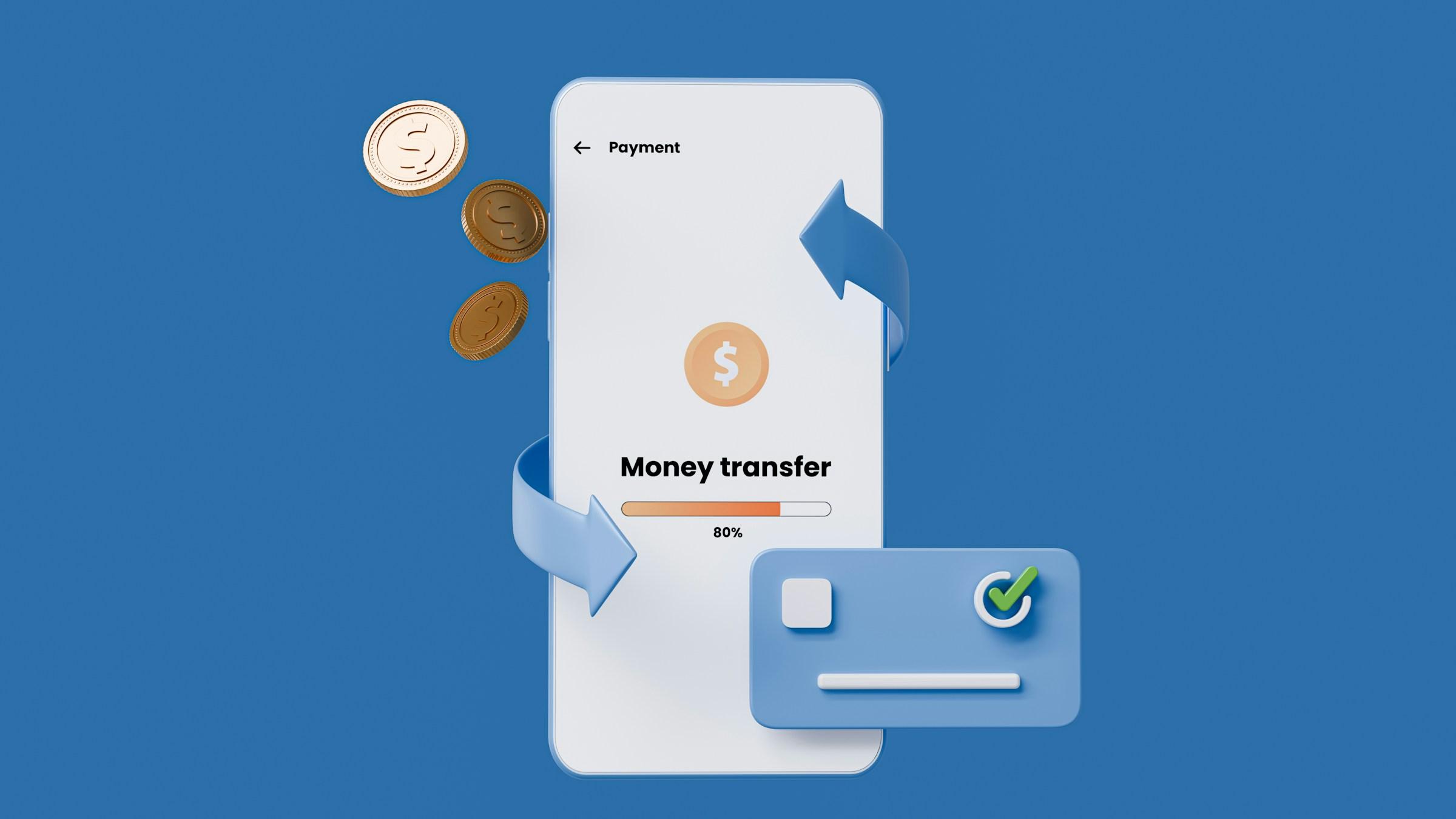



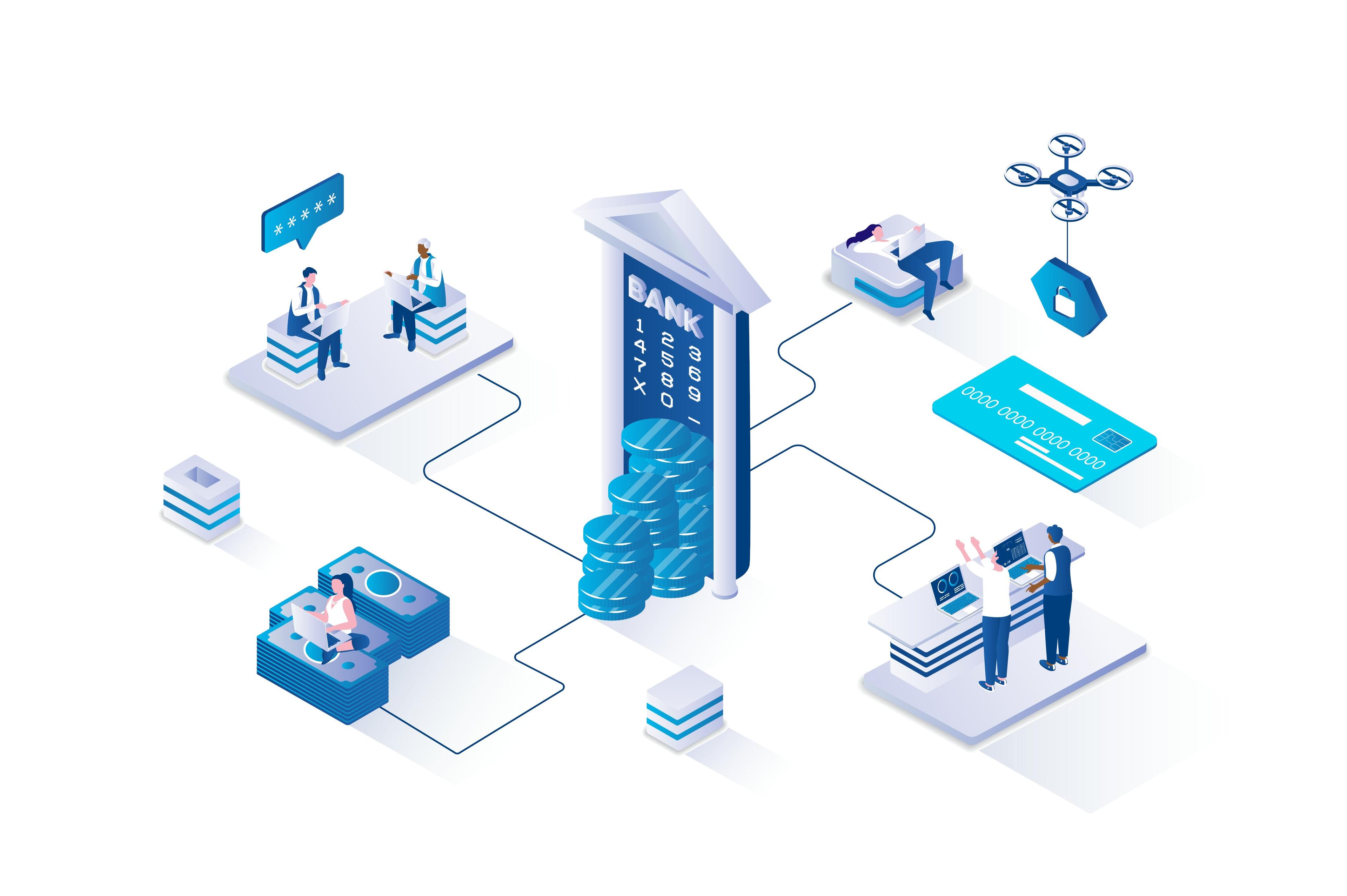
Digital banking works by turning almost every traditional banking task into a secure online process that you can complete through a mobile app or website. Instead of visiting a branch to open an account, check your balance, transfer money, or pay bills, you interact with a digital interface that connects to the bank’s internal systems. The app is the part you see, but behind it sits a much larger structure that verifies your identity, protects your information, records transactions accurately, and moves money through national and international payment networks.
The process begins with account creation and identity verification. When you sign up for digital banking, the bank must confirm you are who you claim to be. This is why you may be asked to upload identification documents, take a selfie, or complete additional checks. These steps are not only about meeting legal requirements. They also reduce fraud by ensuring that the account is tied to a verified person. Once the bank is satisfied, your account is created within its core banking system, which is the central platform that maintains your balance, tracks every deposit and withdrawal, and applies fees or interest based on account rules.
After your account is active, every action you take relies on authentication and authorization. Authentication is the bank’s way of confirming your identity each time you log in, often through passwords, biometrics, or one-time codes. Authorization is the bank’s decision on whether a specific transaction should be allowed. For example, if you attempt to transfer a large amount from a new device or unusual location, the bank may ask for extra confirmation or temporarily block the transaction. This is part of a broader risk management system that continuously scans for unusual behavior to reduce the chance of unauthorized access.
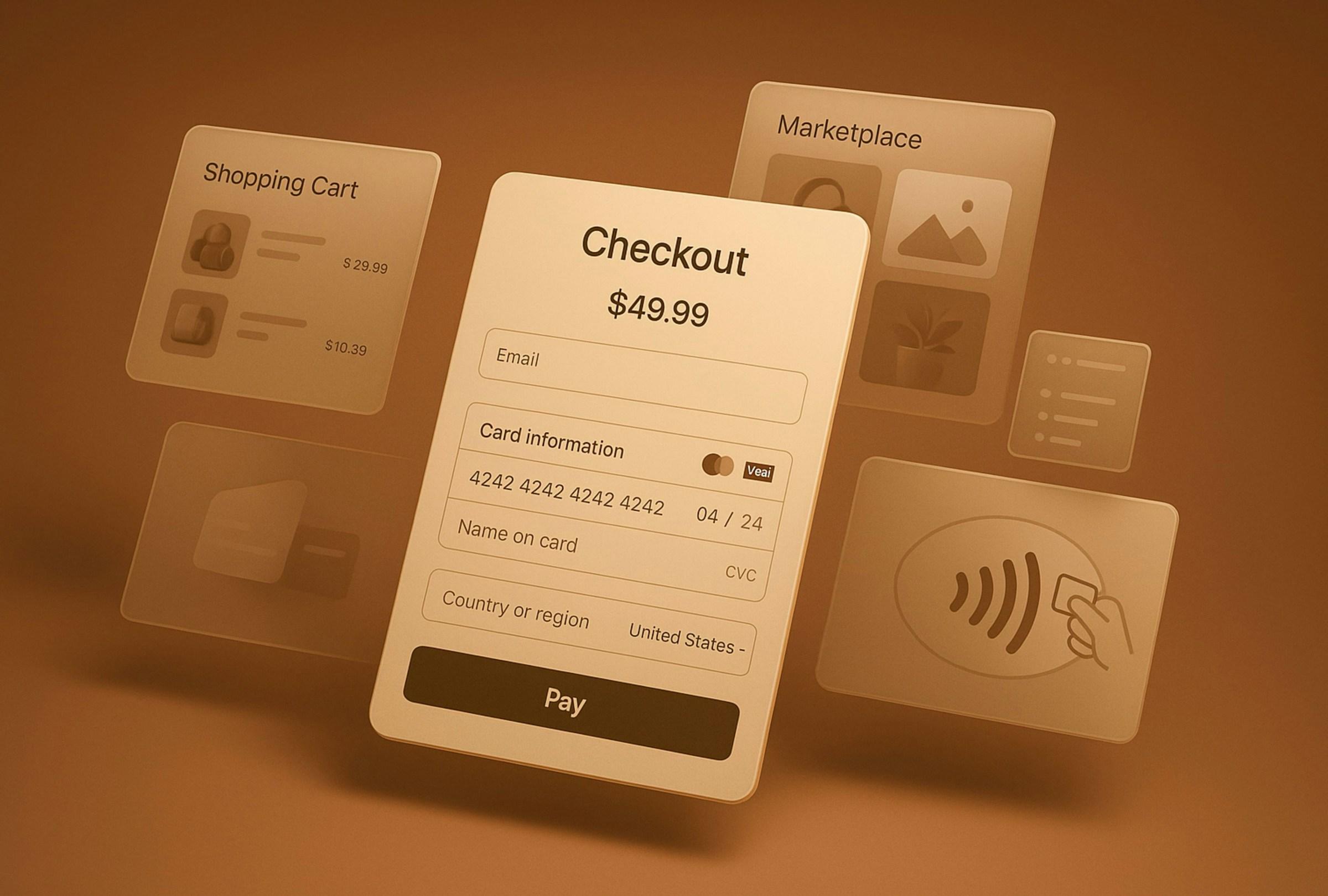
When you transfer money or pay for something, digital banking uses payment rails that connect banks and merchants. Even when a transfer looks instant in your app, the actual movement of money can involve several steps. Your bank first accepts your instruction and records it, then the transaction is processed through a clearing network that allows funds to move between institutions. Some networks process transactions in real time, while others work in batches, which is why certain transfers may take longer depending on the destination and the type of payment. Card payments also follow a similar logic, where a purchase is first authorized and then settled later, which explains why some charges can show as pending before they fully post.
Digital banking often includes features that make managing money easier, such as instant notifications, spending categories, and budgeting insights. These tools are built by analyzing your transaction history and labeling it in ways that help you understand where your money goes. While these features can be useful, they work best when paired with personal habits such as reviewing accounts regularly, watching for unexpected subscriptions, and setting clear boundaries between spending money and savings. Automation can support good routines, but it can also create blind spots if you stop paying attention because everything happens in the background.
Security is one of the most important foundations of digital banking. Banks use encryption to protect data when it is transmitted between your device and their servers, and they also protect stored data within their systems. However, digital banking security is not only technical. It also depends on user behavior. Scams often succeed because people are pressured into sharing passwords or approving transactions they do not fully understand. A strong digital banking setup therefore includes practical habits, such as never sharing login details, avoiding sensitive transactions on public Wi-Fi, using official bank channels for support, and enabling alerts for suspicious activity.
Customer support and dispute resolution also shape the digital banking experience. Without a branch, digital banks rely on secure messaging, phone support, and structured processes to handle fraud claims, chargebacks, and account issues. When something goes wrong, the quality of these systems matters more than the design of the app. A smooth interface is helpful, but what truly protects users is a clear process for investigation, transparent communication, and timely resolutions.
Ultimately, digital banking works best when it is treated as a complete system rather than a simple app. It is designed to make financial management faster and more accessible, but it still follows the same principles as traditional banking: verified identity, secured access, accurate recordkeeping, and regulated movement of money. The advantage of understanding these moving parts is that you become a more confident user. You can set up accounts with clearer goals, use automation responsibly, recognize risks earlier, and rely on digital banking not just for convenience, but as a stable tool that supports long-term financial planning.
 WhatsApp
 Instagram
 Threads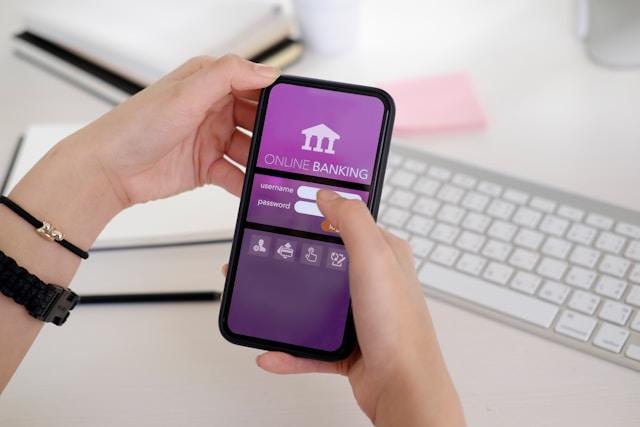






.jpg&w=3840&q=75)